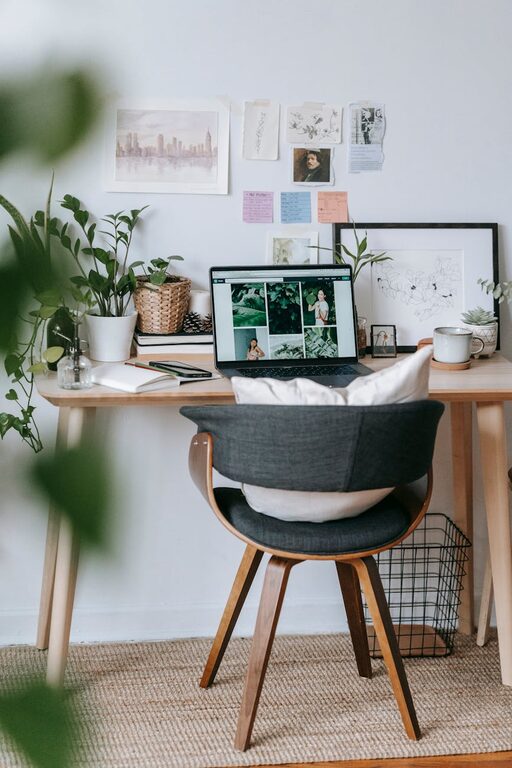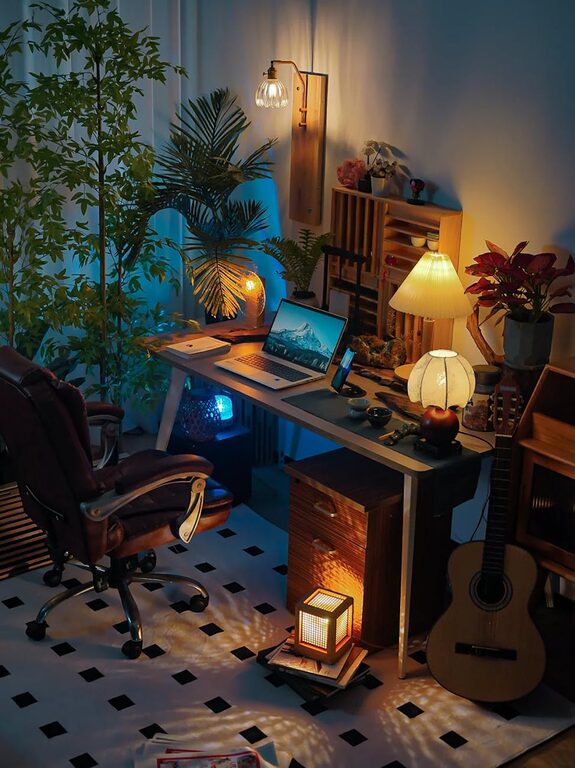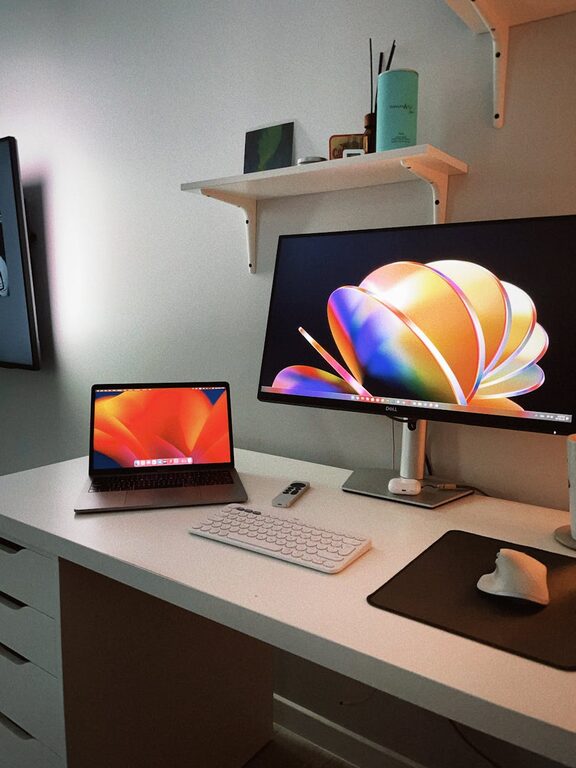
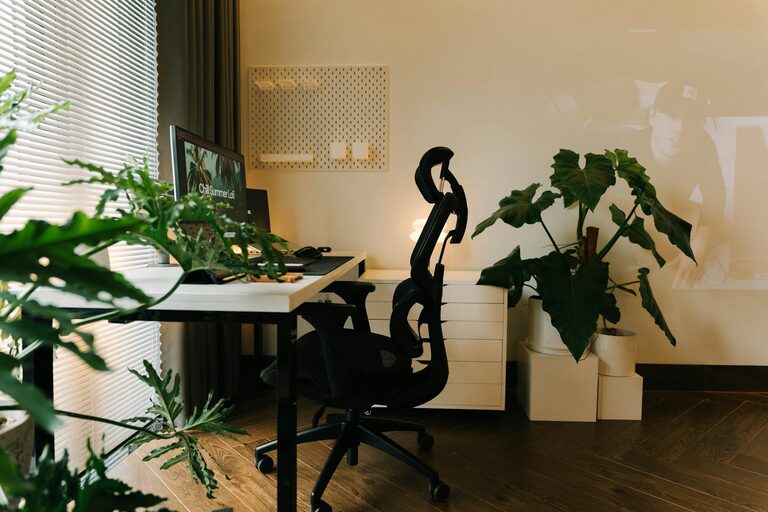
Creating a home office that feels cozy yet remains functional can make a big difference in your workdays. Whether you work remotely, freelance, or simply need a dedicated spot for managing tasks, a well-designed space can increase productivity and reduce stress. Here are some useful tips to help you set up a home office that balances comfort and efficiency.
Choose the Right Location
Prioritize Natural Light
Natural light has a positive impact on mood and concentration. If possible, position your desk near a window to enjoy daylight. This can help reduce eye strain and boost your overall energy throughout the day.
Avoid High-Traffic Areas
Select a quiet corner or a part of your home away from distractions such as the kitchen or living room. This helps create a mental boundary between your work and personal life.
Invest in Comfortable Furniture
Ergonomic Chair
A chair with good lumbar support is essential to maintain good posture during long hours of work. Look for adjustable features to tailor it to your height and desk level.
Functional Desk
Choose a desk with enough surface area for your computer, notes, and any other materials you need. If space is tight, consider wall-mounted desks or foldable options.
Organize Your Space Efficiently
Use Storage Solutions
Declutter your desk by incorporating shelves, drawers, or filing cabinets. Baskets and boxes can also help keep smaller supplies orderly.
Cable Management
Use clips, ties, or cable trays to keep wires under control. Tangled cords not only look messy but can cause distractions or accidents.
Personalize for Comfort and Inspiration
Add Plants
Indoor plants improve air quality and add a calming touch to your workspace. Choose low-maintenance plants like succulents or snake plants if you don’t have a green thumb.
Decorate Thoughtfully
Incorporate artwork, photos, or objects that inspire and motivate you. Avoid overwhelming the space; keep it simple to maintain focus.
Optimize Lighting
Layer Your Lighting
Combine natural light with ambient and task lighting. A desk lamp with adjustable brightness is perfect for focused work during darker hours.
Avoid Glare
Position your computer screen perpendicular to windows to prevent glare, which can cause eye fatigue.
Manage Sound and Distractions
Use Noise-Reducing Items
Consider rugs, curtains, or acoustic panels to absorb excess noise. Headphones with noise cancellation can also help you concentrate.
Set Boundaries
Inform family or housemates about your working hours to minimize interruptions. Using a “do not disturb” sign can also be effective.
Maintain a Healthy Work Routine
Take Breaks
Set timers to remind yourself to stand, stretch, or take short walks. This helps reduce fatigue and promotes circulation.
Keep Water and Snacks Nearby
Having a water bottle and healthy snacks within reach encourages hydration and balanced energy levels.
Technology and Tools
Reliable Internet
Ensure a strong Wi-Fi connection for smooth video calls and work uploads.
Essential Accessories
Use a quality keyboard, mouse, and monitor to enhance comfort and efficiency in your digital tasks.
Final Thoughts
A cozy and functional home office promotes both productivity and well-being. By carefully selecting your location, investing in comfort, organising efficiently, and personalising your space, you can create an environment you enjoy spending time in. Remember, your workspace should adapt to your needs and support your daily routine, helping you work smarter and feel better.